
Plan
Path sketch
Sketch the beginning, interruption, and return of a small journey. Keep the sketch rough enough that the question remains more important than the drawing.
A product fieldbook for mobile releases
Qelavuno is a practical way to notice what changed, record how it was checked, and carry the useful questions into the next build.
For people shaping, checking, and learning from mobile work. No account or upload is required on this site.

Use short observations, dated checks, and specific next questions. The aim is clarity for the team, not a score, forecast, or promise about a release.
01 / Release lane
A release can stay small while its learning loop becomes more deliberate. Give every handoff one observable question and one place to write what you saw.


02 / Build stamps
Build stamps are tiny, repeatable notes. They identify the moment, the device or condition, and the observation without pretending that one pass represents every person or context.
03 / Choose a route
These routes are working prompts, not rigid workflow claims. Select one to reveal a focused fieldbook page.

Check the smallest released path on the device categories and operating conditions that matter to your audience. Record the build, a short path description, and anything that is surprising enough to change a follow-up check.
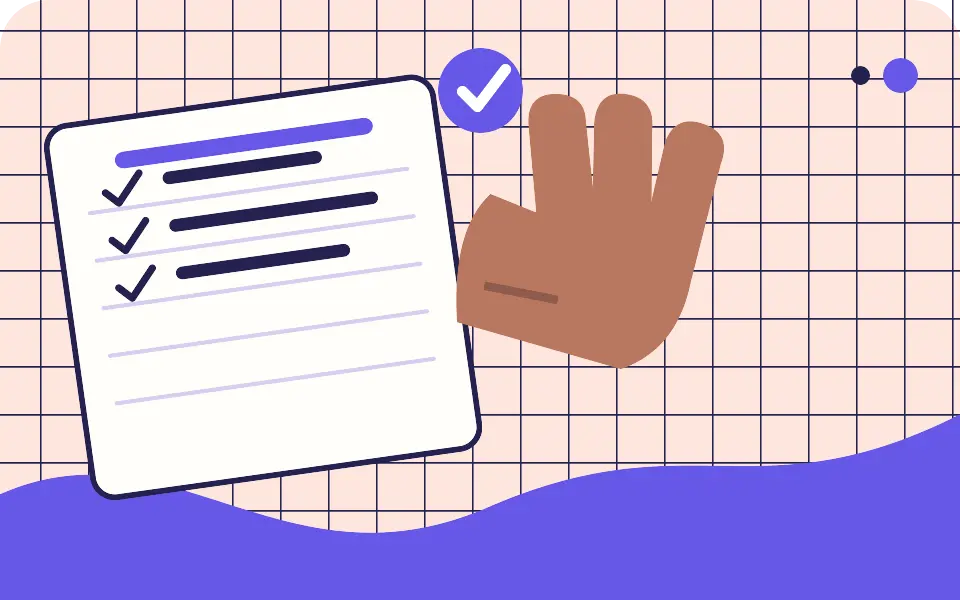
Try the path with relevant accessibility features, text sizes, contrast needs, and input methods in mind. Treat each observation as an invitation to test more carefully, rather than as a declaration that access has been solved.
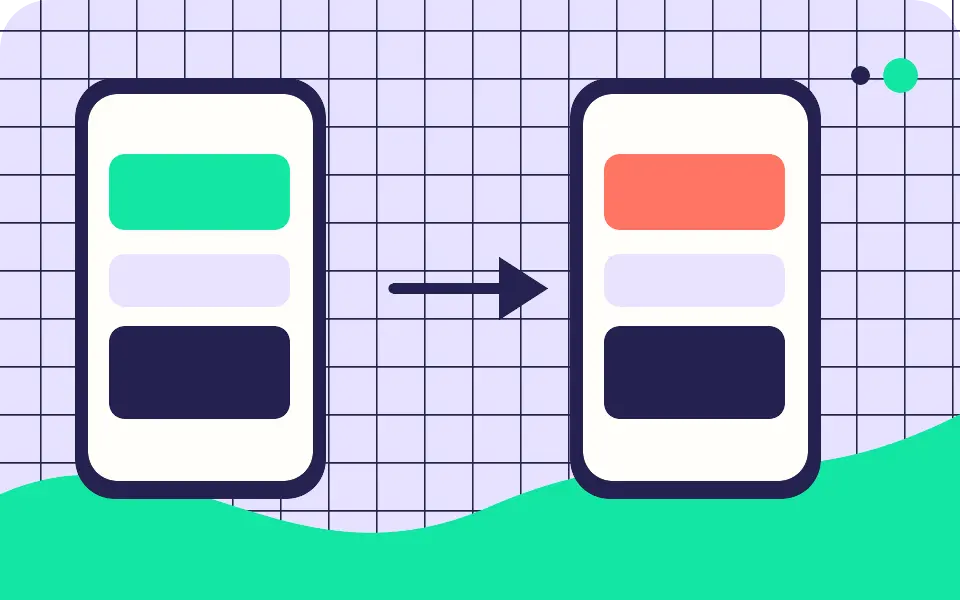
Place two concise variants beside the same task and note where their purpose diverges. Avoid reading a single review as proof; use the comparison to write better questions for the next conversation or moderated test.
04 / Split-testing ledger
Keep one small ledger when testing variants. It makes it easier to separate a change you made from a condition you noticed, while leaving room for uncertainty.
| Field | Write beside it |
|---|---|
| Question | What is being compared? |
| Constant | What stays intentionally the same? |
| Observation | What did the review reveal? |
| Next pass | What needs a better check? |
A field ledger supports discussion; it does not establish a promised product, performance, or outcome.
05 / Field cards
Filter the cards by the kind of work in front of you. Each one is a small prompt for observation and discussion.
Showing all field cards.
Sketch the beginning, interruption, and return of a small journey. Keep the sketch rough enough that the question remains more important than the drawing.
Try one assistive setting or sensory consideration at a time, then record the point where context changes the experience.
Describe the difference between two approaches in ordinary language before discussing why one may invite a different response.
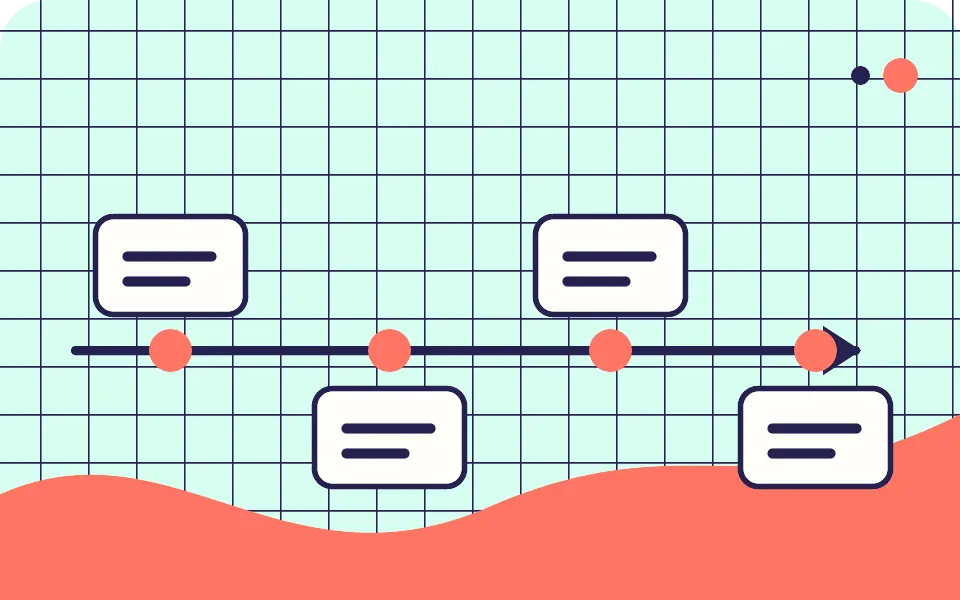
Write where this release begins and ends. A clear edge makes it easier to recognise which feedback belongs to this change.
Repeat the same small action after changing one relevant condition, such as text size, connection, device, or input method.
Replay the moment a team chose a direction. Note what evidence was present, what was assumed, and what is still untested.
Before a small release
These marks stay only in the page while you are using it. They are not sent, scored, or used to make promises about a release.
07 / Responsible account and number guidance
A virtual number may be subject to platform rules, regional regulation, identity safeguards, and account recovery risks. This fieldbook does not sell access, provide codes, teach evasion, recommend bypassing policy, or support impersonation.


An educational outline for PPC role preparation, not a vacancy notice or an employer claim.
08 / PPC role field note
This is an informational job-description lens for people exploring paid media work. It does not announce a live opening, represent an employer, or imply any hiring result.
09 / Questions in the margin
Open a question to read the practical boundary around each prompt.
10 / Contact note
This browser-only form stores or prepares a local draft on this device when your browser permits it. It sends nothing anywhere, and it is not a channel for external contact.
Carry the useful question
Qelavuno keeps the artefacts small: a lane, a stamp, a ledger, and an honest margin note.
Return to the browser-only contact note area to prepare another local draft. It remains a local tool and does not send information.
Go to Contact note